Ridelivo top-up shops
Make your shop the Ridelivo spot in your community
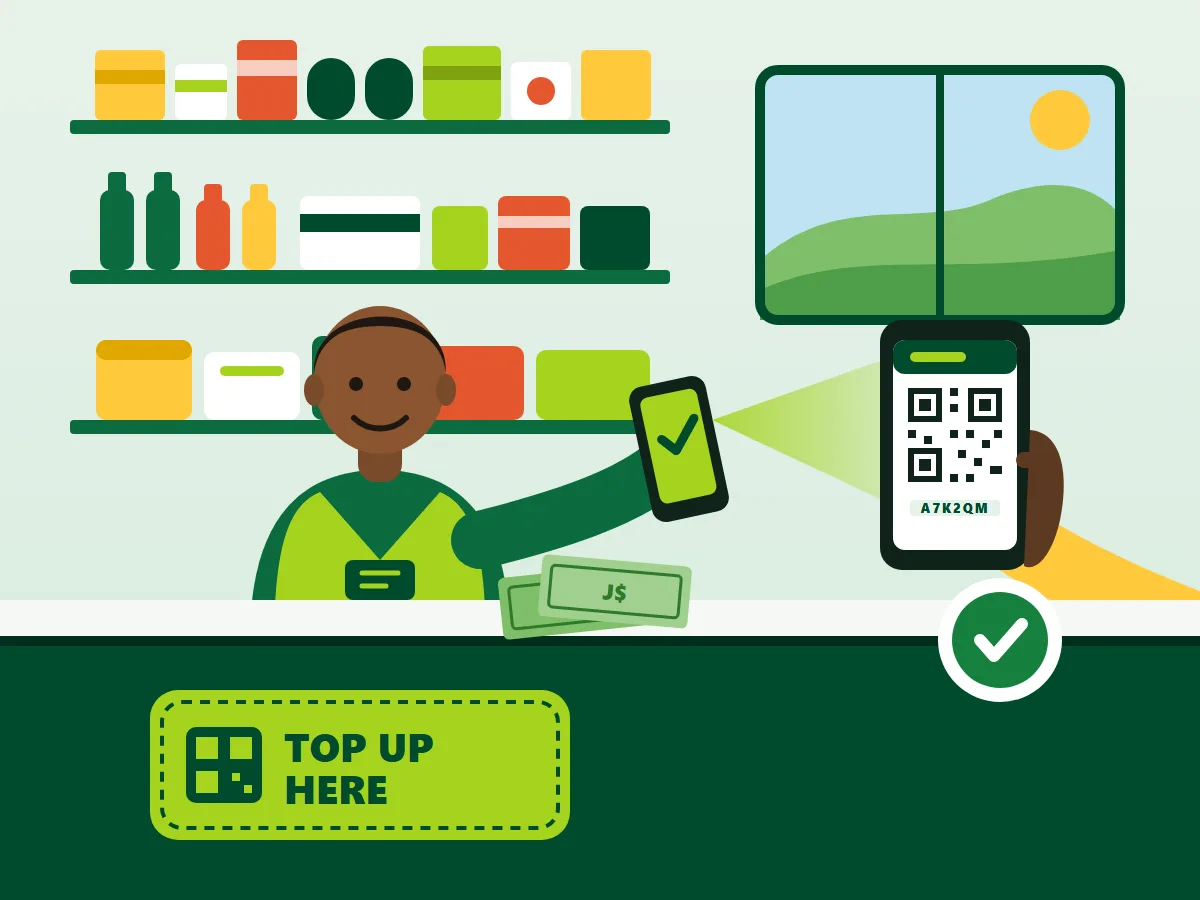
Riders pay you cash, you top up their Ridelivo wallet by scanning their QR code with your phone, and you earn commission on every top-up.
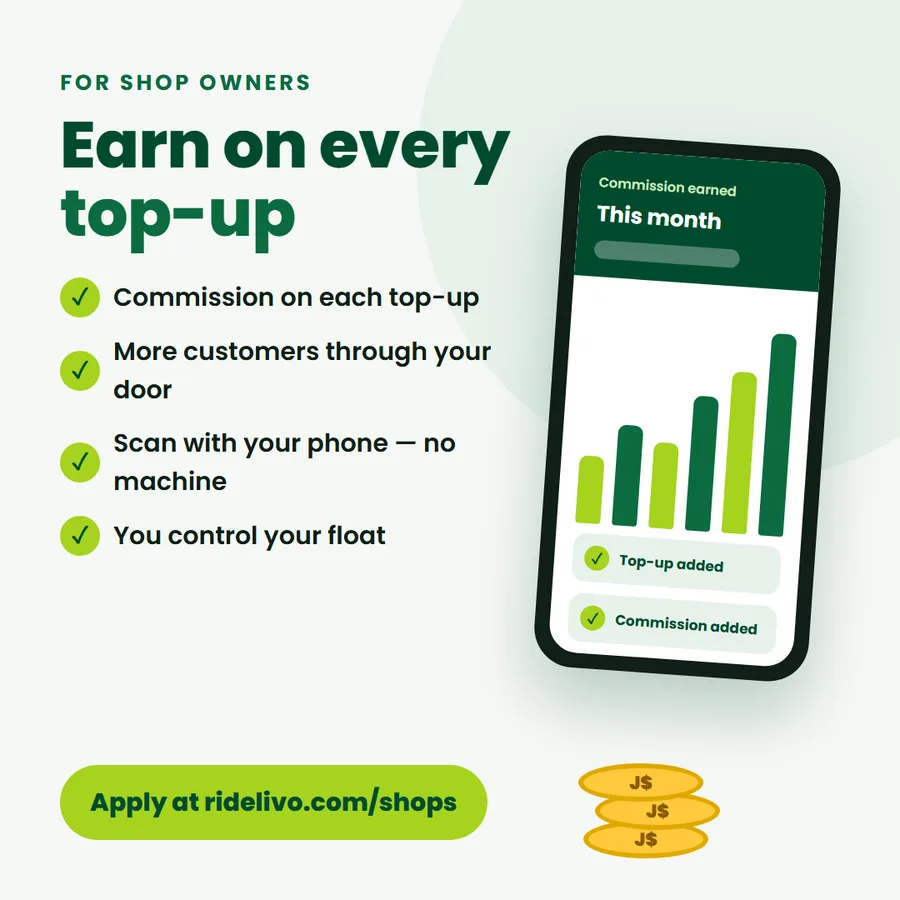
- ✓ Commission on every top-up
- ✓ More foot traffic
- ✓ Scan with your phone
- ✓ You control your float
Already a Ridelivo shop? Bookmark the shop portal sign-in.
Why become a Ridelivo shop
Earn on every top-up
Earn commission on every top-up. Your rate is agreed with Ridelivo when you’re approved.
More people through your door
Riders and drivers in your area have a reason to come to your counter every time they top up.
Simple phone scanning
No machine to rent. Scan the rider’s QR code with the Ridelivo app or at ridelivo.com/agent, or type their 6-character code.
You control your float
You only give out credit you’ve paid Ridelivo for. Your balance, today’s top-ups and your commission are always on your phone.
How it works, step by step
- 1
Apply on this page
Sign in (or create a Ridelivo account), then give your shop name, district or community, shop phone, opening hours and tap where your shop is on the map. Your account name is used as the owner’s name.
- 2
Ridelivo reviews and calls you
We check every shop and call you on the shop phone to agree your commission and limits.
- 3
Pay your first float
Pay Ridelivo by bank transfer or at the office and keep the receipt. Staff record it with the receipt or bank reference and it shows as your shop balance.
- 4
Put up your counter card
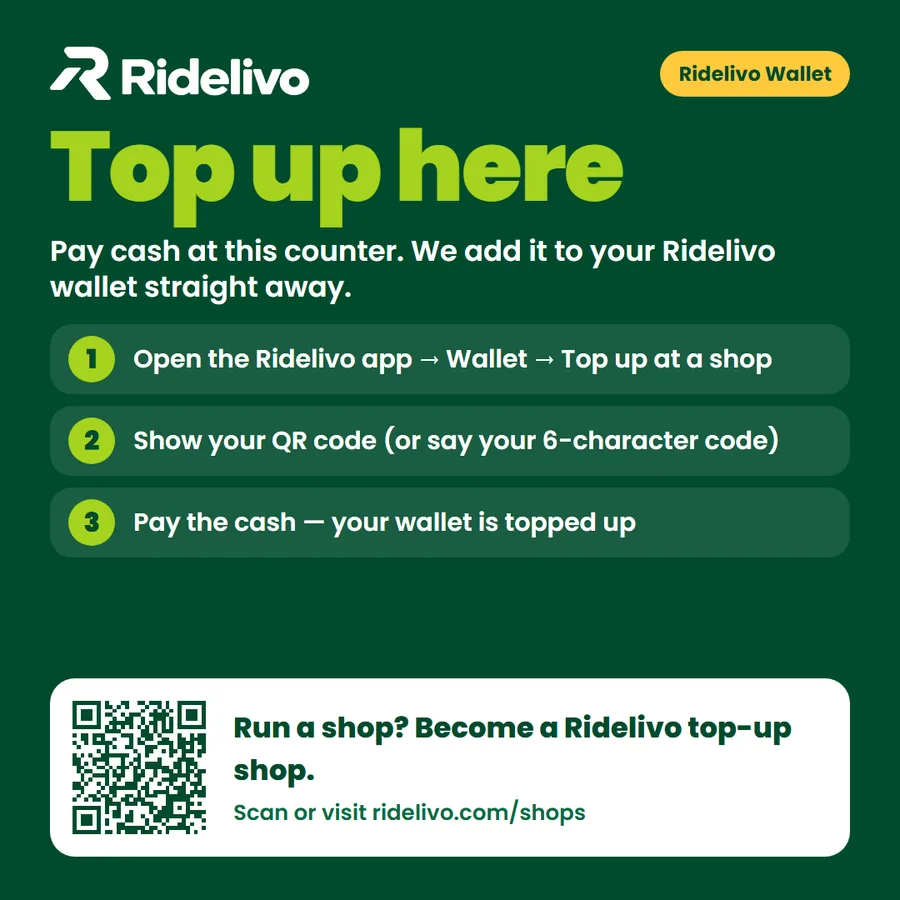
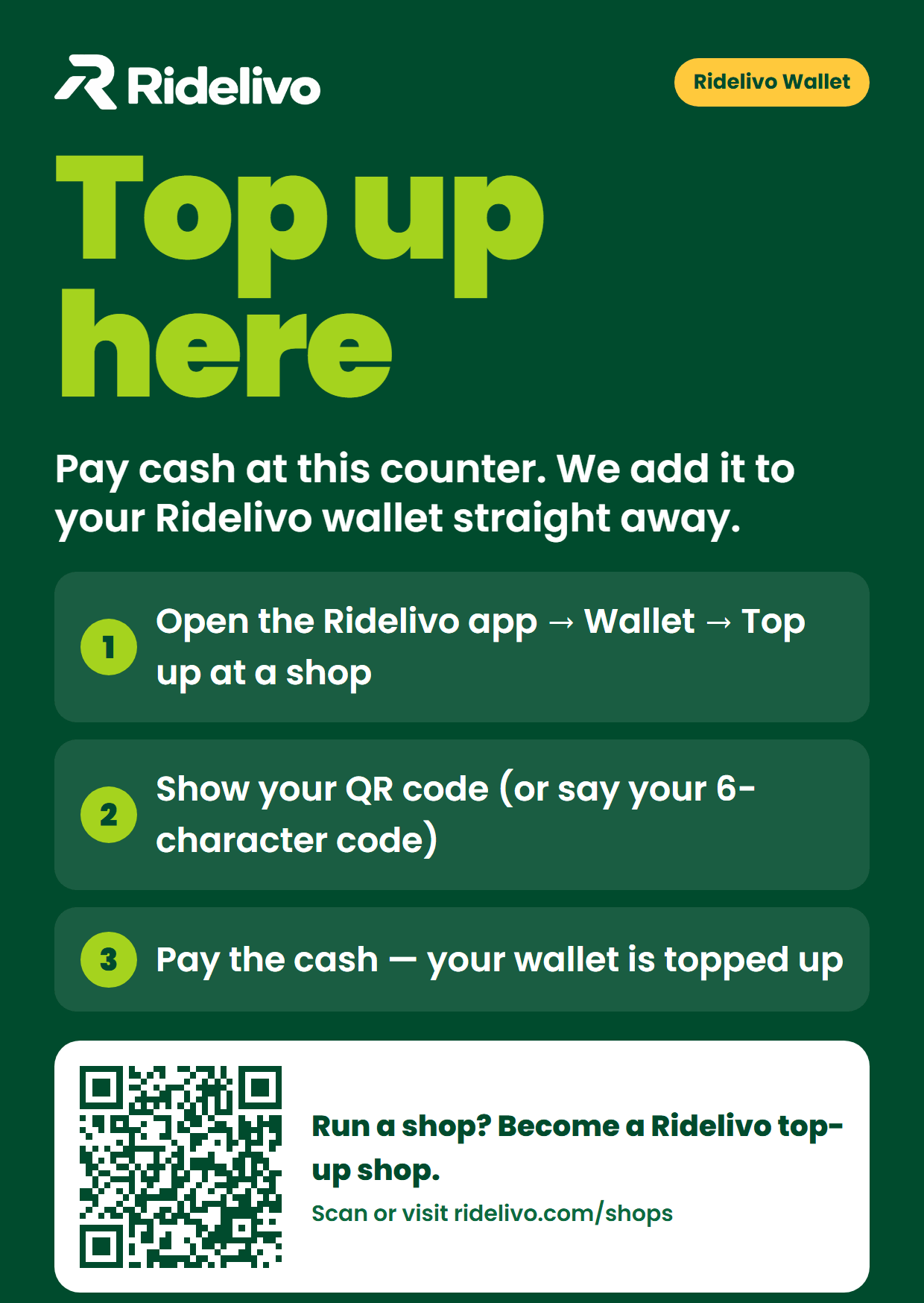
Print the “Top up here” counter card (A6) and put it where customers can see it.
- 5
Top up a rider
Scan their QR code in the Ridelivo app or at ridelivo.com/agent, check their first name, choose the amount, collect the cash, then confirm. It’s in their wallet straight away.
- 6
Earn and keep your float topped up
Commission is added to your balance after every top-up. Check your float any time and pay Ridelivo again before it runs low.
Apply to become a Ridelivo shop
Already a Ridelivo shop? Shop portal sign-in
Questions shop owners ask
Who can apply?
Shops with a fixed location in Jamaica — corner shops, wholesales, pharmacies, phone-credit shops and similar — run by someone with a Ridelivo account and a shop phone. Ridelivo checks every shop before approving it.
Is there a fee?
There’s no fee to apply. You pay Ridelivo in advance for the credit you give out (your float). That money is your shop balance — you hand it out to riders as top-ups, and the cash they give you is yours.
How do I get paid commission?
Your commission is added to your shop balance straight away after every top-up, so you can see it in your shop portal (today and this month). Talk to Ridelivo if you’d like part of your balance paid out to you.
What if my float runs out?
You can’t give out more than your balance, so you never owe Ridelivo for a top-up. Your portal warns you when the balance is low. Pay Ridelivo again (bank transfer or at the office), send the receipt to Support, and staff add it to your balance.
What about mistakes and reversals?
Before adding credit you see the rider’s first name and the last 4 digits of their phone, and you confirm twice — and the same top-up can’t be added twice. If something still goes wrong, contact Ridelivo Support with the receipt number. Staff can reverse a top-up: the amount is taken back from the rider’s wallet and returned to your balance, minus the commission you earned on it.
Do I need special equipment?
Just a phone with a camera and internet. You can also type the rider’s code or look them up by phone number, and a USB scanner works on a computer.
How do I keep the shop portal safe?
Set a counter PIN in your portal so the screen locks after a few minutes. Ridelivo can also require shops to use 2-step verification.
More questions? Contact Ridelivo Support